Any model
OpenAI, Anthropic, OpenRouter, Groq, Ollama, llama.cpp, LM Studio, or any OpenAI-compatible endpoint: --model provider:model. Keys come from the environment or the OS keyring, never a config file.

An agentic harness on the command line. It connects to remote or local models and lets them use tools and skills, and ships as one native binary.
Linux x86_64 and ARM64 · macOS (Apple silicon and Intel) · Windows x86_64 · MIT licensed
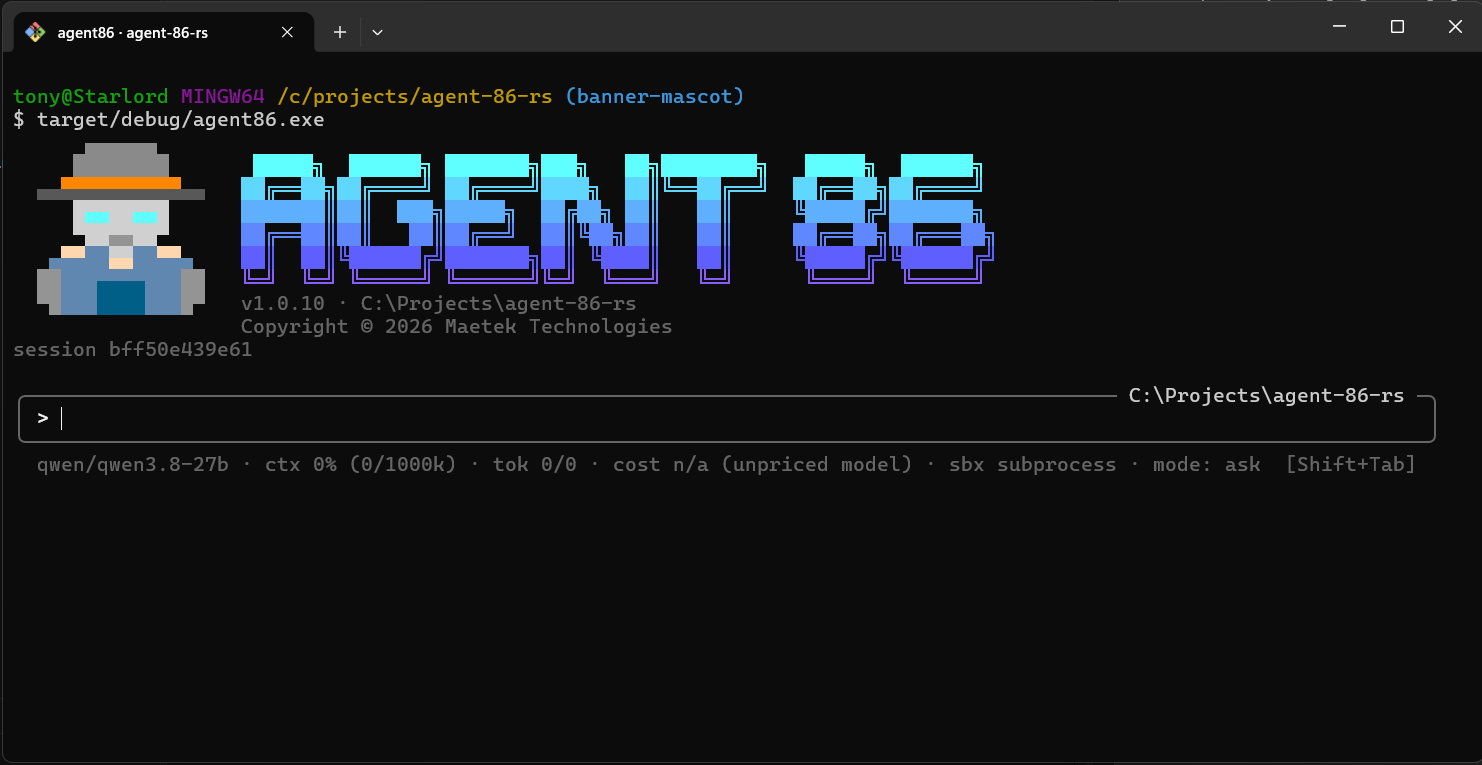
OpenAI, Anthropic, OpenRouter, Groq, Ollama, llama.cpp, LM Studio, or any OpenAI-compatible endpoint: --model provider:model. Keys come from the environment or the OS keyring, never a config file.
The agent reads, searches, writes, and edits files, runs commands and Python snippets, and fetches web pages. Every write and command waits for your approval, unless you say otherwise.
Commands run with secrets scrubbed from the environment, a timeout that kills the process tree, and capped output, or in a throwaway Docker container. Guardrails scan for prompt injection, leaked secrets, and personal data; web_fetch refuses private addresses.
An inline terminal interface: the conversation in your scrollback, a / command menu, @file mentions, Markdown answers, coloured diffs in approvals, and Esc to stop a turn. Or a plain loop, or one-shot run --json for scripts.
Every run is a session you can resume. Finished turns are recalled into similar later tasks, and the agent can remember and recall facts, embedded locally on candle. List, pin, and forget them with agent86 memory.
SKILL.md folders work as in Claude Code. The agent can delegate to sub-agents, including specialists with their own instructions, tools, and model, running in parallel or in their own git worktrees.
stdio, streamable HTTP, and SSE servers, started for each run and kept in step with drops, reconnects, and tool list changes. Add, test, and save them from /config mcp without leaving the session.
When the agent needs a key, you type it into a masked prompt. The model only ever sees ${secret:NAME}; the value reaches commands as an environment variable and is redacted from history, traces, and memory.
A redacted flight recorder logs every turn, model call, and tool call, with cost estimates. Export it as JSON or OTLP, or send OpenTelemetry spans to your collector.
Embed the agent in your own Rust program with agent86-core: your provider, tools, and approver, with the same jail, approvals, sandbox, guardrails, and secret redaction as the CLI. Python and TypeScript bindings are planned for 1.2.
npm install -g agent86Installs the native binary for your platform. Node.js 18 or newer is needed only to install and launch it.
Download the archive for your platform from Releases, extract it, and put agent86 on your PATH. Releases carry SLSA build provenance you can check with slsa-verifier.
cargo install --git https://github.com/Maetek-Technologies/agent86Needs Rust 1.94 or newer.
$ agent86 auth                                   # store a provider key in the OS keyring
$ agent86 --model openrouter:<model>             # the interactive interface
$ agent86 --model ollama:<model> run "fix the failing test"
$ agent86 run --json "summarize this repository"  # one JSON object on stdout
Switching from the Python version? Uninstall it first; your ~/.agent86 config, sessions, memory, traces, history, and keyring keys carry over as they are.
agent86 speaks the Agent Client Protocol, so Zed, the JetBrains IDEs, many VS Code, Neovim, and Emacs integrations, and terminals such as Microsoft's Intelligent Terminal can use it as their agent. Point the client at the command agent86 with the argument acp.
Replies, reasoning, and tool calls stream in; approvals show the diff or the command; sub-agents appear as cards; and every thread is an ordinary agent86 session you can continue at a terminal with agent86 --resume <id>.